

av webhook
Manage a project’s webhook alert destinations - the Slack, Teams, Discord, Google Chat, or generic endpoints that receive its CVE alerts.
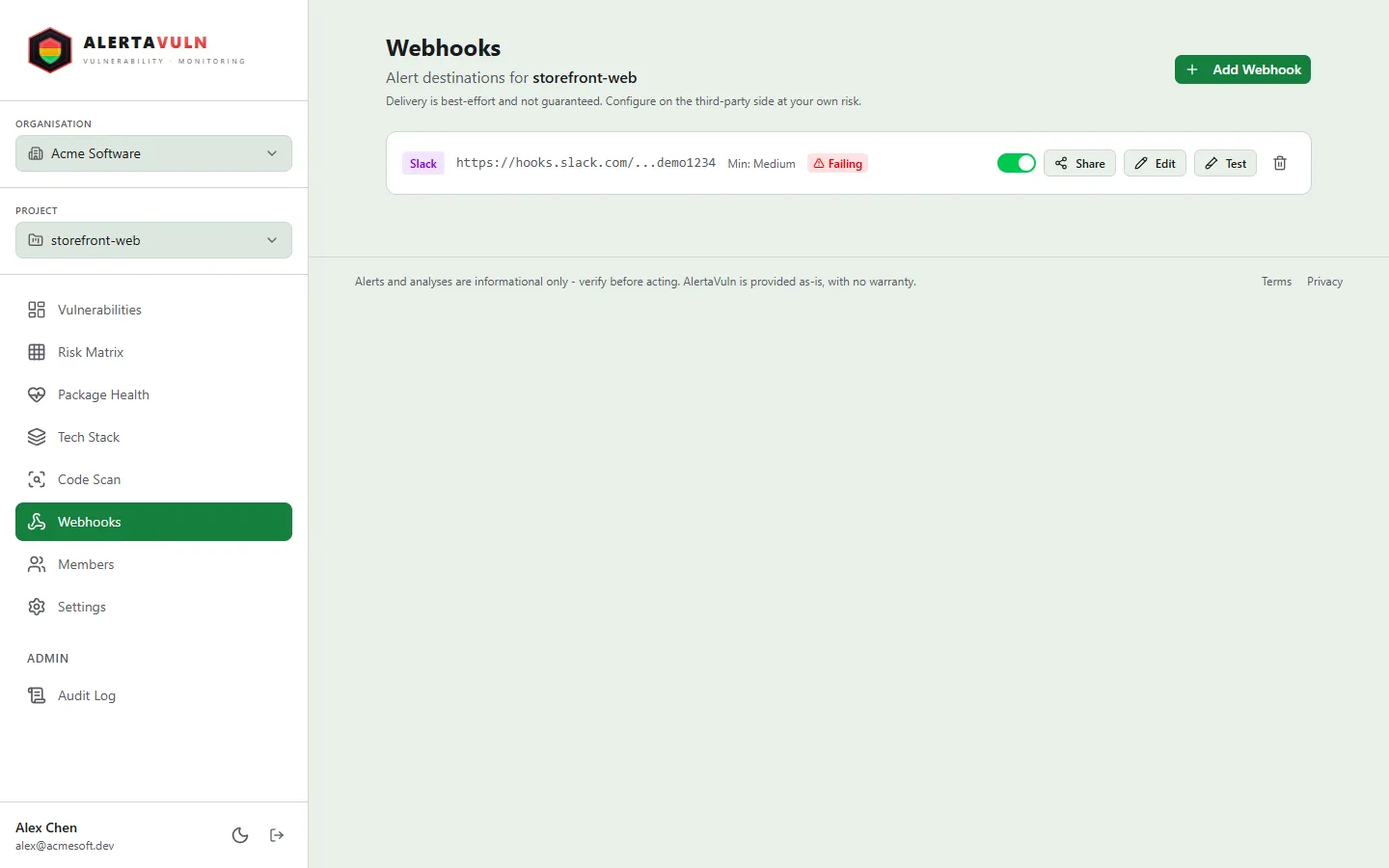
The same destinations are manageable in the web app’s Webhooks settings. Demo data.
Synopsis
Section titled “Synopsis”av webhook list --project <project-id>av webhook get <id> --project <project-id>av webhook create --project <project-id> --platform <platform> --url <url> [flags]av webhook delete <id> --project <project-id>av webhook test <id> --project <project-id>The binary ships as alertavuln; av is the common alias - they are
interchangeable in every example.
Description
Section titled “Description”av webhook manages the webhook destinations a project’s alerts are delivered
to. Every subcommand requires --project and an authenticated session - run
av login first.
listprints a table of the project’s webhooks with the columnsID,PLATFORM,ENABLED,MIN SEVERITY, andURL.get <id>prints one webhook’s full details as indented JSON.createregisters a new destination.--platformand--urlare required; the webhook is enabled immediately unless you pass--disabled.delete <id>removes the webhook.test <id>sends a test alert to the destination so you can confirm the URL and channel wiring before a real CVE lands.
--min-severity sets the delivery floor: only alerts whose CVE severity is at
or above the threshold are sent to that webhook.
Options
Section titled “Options”All av webhook subcommands accept:
| Flag | Default | Description |
|---|---|---|
--project |
- | Project ID the webhooks belong to (required) |
av webhook create additionally accepts:
| Flag | Default | Description |
|---|---|---|
--platform |
- | Destination platform: slack, teams, discord, googlechat, or generic (required, case-insensitive) |
--url |
- | Webhook URL alerts are posted to (required) |
--min-severity |
Medium |
Minimum CVE severity to deliver: Critical, High, Medium, or Low |
--disabled |
false |
Create the webhook as disabled |
Examples
Section titled “Examples”Create a Slack webhook that only receives High and Critical alerts:
av webhook create --project 9f6b2d84-3c1e-4a57-9e2b-7d8c5f01a3e2 \ --platform slack \ --url https://hooks.slack.com/services/T000/B000/XXXX \ --min-severity HighList the project’s webhooks to pick up the ID of the one you just created:
av webhook list --project 9f6b2d84-3c1e-4a57-9e2b-7d8c5f01a3e2Send a test alert to verify the destination end to end:
av webhook test 2c41f8ab-6e97-4d10-b3aa-51de08c2f7c4 --project 9f6b2d84-3c1e-4a57-9e2b-7d8c5f01a3e2Exit codes
Section titled “Exit codes”| Code | Meaning |
|---|---|
0 |
Command succeeded |
1 |
Command failed - not logged in, invalid flags, or the API returned an error |
See also
Section titled “See also”av project- create and inspect the projects that own webhooksav sbom export- export a project’s CycloneDX SBOM